Senaste nyheterna

Håll dig uppdaterad om de senaste versionerna, förbättringarna och korrigeringarna.

Följ @NotionHQ

Sök i dina Asana-uppgifter och -projekt från Notion

Notion-agenten kan nu hitta projekt och uppgifter i Asana på bara några sekunder. Fråga till exempel ”Visa mig försenade uppgifter, grupperade efter tilldelad person” eller ”Visa en lista med öppna uppgifter för projekt X och flagga vad som är blockerat”.

Använd funktionen för att kontrollera status, hitta det som behöver åtgärdas och se vad som händer härnäst, allt utan att lämna Notion. Allt detta görs enligt dina befintliga Asana-behörigheter.

3.2

Notion 3.2: Mobil AI, nya modeller, kontaktbok

Den första omgången av uppdateringar för 2026 är här! Med den här versionen passar Notion ännu bättre in i din värld. Arbeta på språng, välj AI-modeller du vill använda och håll koll på det som är viktigt för ditt team.

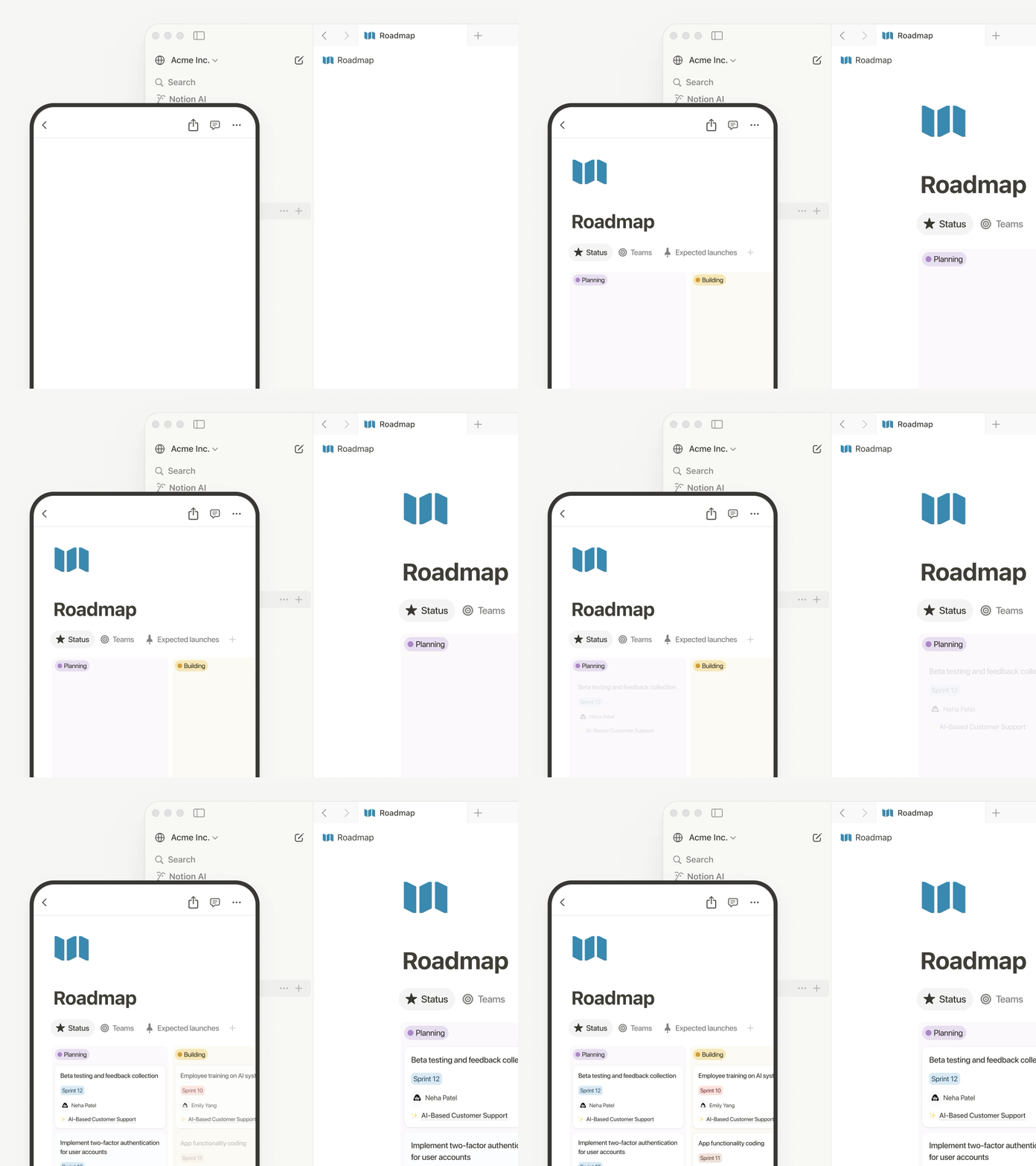
AI-anteckningar för mobilen

Du kan göra allt från mobilen, oavsett om du deltar i ett samtal medan du pendlar, brainstormar på morgonpromenaden eller har ett möte utan bärbar dator. Med ett enda tryck startar AI-anteckningstranskriptioner (även när du byter app eller låser skärmen) – och allt sammanställs till tydliga sammanfattningar, åtgärdspunkter och delbara dokument på några sekunder.

Din agent ryms i fickan

Allt som Notion-agenten kan göra på datorn kan den nu göra på telefonen – som att skapa formulär och databaser eller söka i företagets hjärna. Tänk på en punkt på din att-göra-lista och ge den till agenten, så arbetar den i bakgrunden medan du går vidare till nästa uppgift. Och du slipper vänta. Kolla in den här livedemon om vad Notion-agenten kan göra.

Nya modeller, samma minne

När en ny modell släpps är den redo i Notion. Du kan nu välja mellan GPT-5.2, Claude Opus 4.5 och Gemini 3. Eller välj den bästa modellen för jobbet automatiskt. Växla mellan dem som du vill medan du behåller sammanhanget. Modellerna förändras ständigt, men det gör inte minnet i Notion.

Förstå hur ditt team använder Notion AI

Enterprise-administratörer har nu tydlig insyn i AI-användningen över tid. Se vem som använder det mest, vilka funktioner som skapar engagemang och hur AI ger mervärde. Gå till InställningarAnalyserAI för att få åtkomst. Mer information kommer snart.

Kontaktbok

Den nya kontaktboken visar alla i din arbetsyta. Det är en förbyggd databas som du kan anpassa eller importera från HR-system (läs mer). Kolla in den genom att söka efter ”Personer” eller gå till InställningarMedlemmarVisa kontaktbok (längst upp till höger).

Gör mer med Notion och Jira

Den förbättrade Jira-integrationen är avsedd för team där ingenjörerna arbetar i Jira, men alla andra planerar i Notion. Synkronisera utvecklingsarbete från Jira och lägg sedan till dina egna Notion-egenskaper – kvartalsmål, kundfeedback, intäktseffekter. Skapa kontrollpaneler som visar båda, så att du får helhetsbilden. Med Enterprise kan du redigera viktiga Jira-fält direkt från Notion och synkronisera ändringar tillbaka automatiskt.

Flera konton på Notion Mail

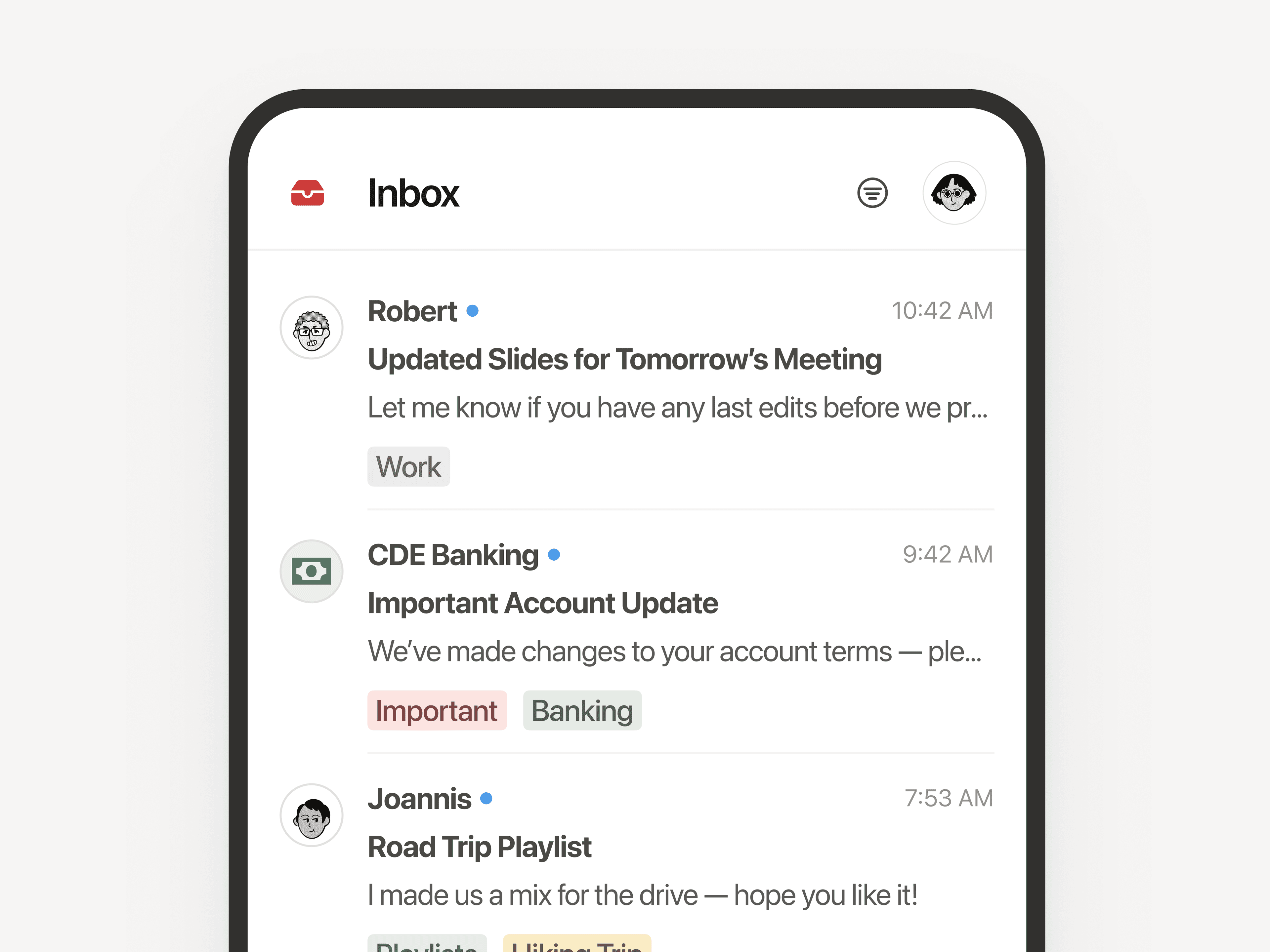
Hantera flera e-postadresser med ett och samma Notion-konto. Växla smidigt mellan privat och arbetsrelaterad inkorg. Många av er har väntat på detta, så tack för ert tålamod. Vi hoppas att du vill testa Notion Mail!

Fler förbättringar

  • Stora förbättringar av prestandan för skrivbordsversionen: Sidor i Windows öppnas 27 % snabbare, Mac-skrivbordsversionen ökar med 11 %. Det här diagrammet är ett av våra viktigaste från 2025. Det visar att sidor nu läses in på ⅓ kortare tid. Och vi fortsätter att förbättra oss!

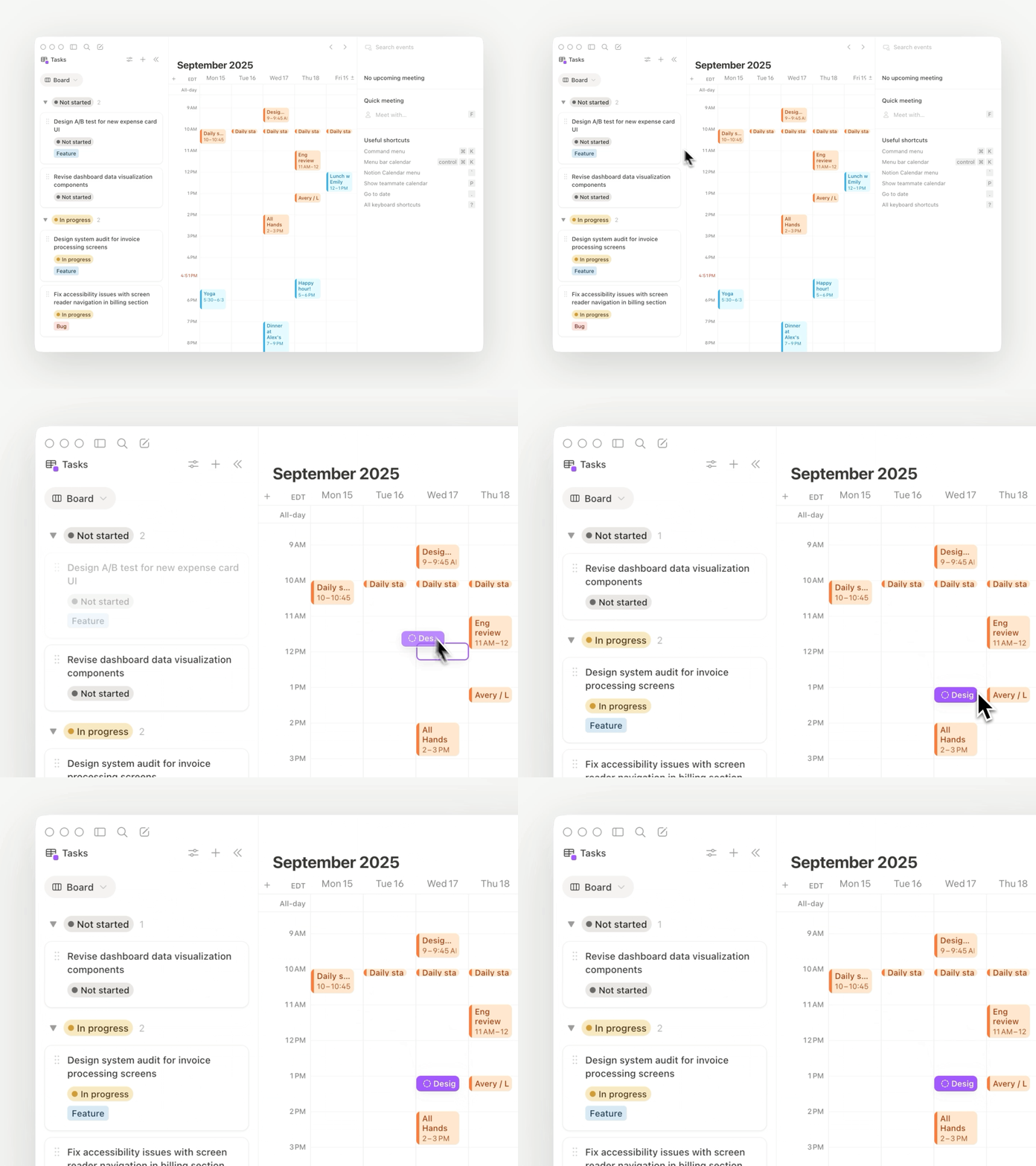
  • Dold kalenderpanel: Du kan nu dölja kontextpanelen för att få en fullständig vy över kalendern (titta på demon).

  • E-post till Notion-sidor: Spara e-postmeddelanden direkt i Notion-sidor för projektdokumentation och referens.

  • Sökningar med diakritiska tecken på sidor: Sökningar på en sida efter ord med accenter som ”kafé” fungerar nu precis som du förväntar dig.

  • Konfettieffekt i automatiseringar: Gör dina automatiseringar lite extra festliga – till exempel så här!

  • Notion MCP-förbättringar för Enterprise: Håll koll på MCP-aktivitet i granskningsloggar och sök i flera databaser. Snart kan du också styra vilka externa AI-verktyg som ska kunna ansluta till din arbetsyta.

PS. Förra året lanserade vi agenter, AI-anteckningar, Enterprise-sökning, offlineläge, databasbehörigheter och över 90 funktioner. I den här databasen finns allt som släpptes under 2025.

Agent can build forms

Notion Agent can now build beautiful forms in seconds.

Collect requests, get feedback, send surveys, & more—no manual form building required.

Gemini 3 Pro is live

Gemini 3 Pro is now available in Notion.

Your Notion Agent now has access to Google's latest model, alongside those from OpenAI and Anthropic. Pick your preferred model for each task, knowing your Notion Agent gets stronger with every model release.

3.1

Notion 3.1

With Notion 3.0, you met your Notion Agent—our biggest update yet.

Now, your Agent can analyze page comments, calendars, and private Slack messages and take action on CSVs. It gets all the context, and you don’t have to copy‑paste.

Meeting notes also got its biggest upgrade, including a new home in your sidebar.

Finally, pages are loading 15% faster. It’s a strong start to 3.0!

A new home for all your meetings

AI Meeting Notes new home in the sidebar

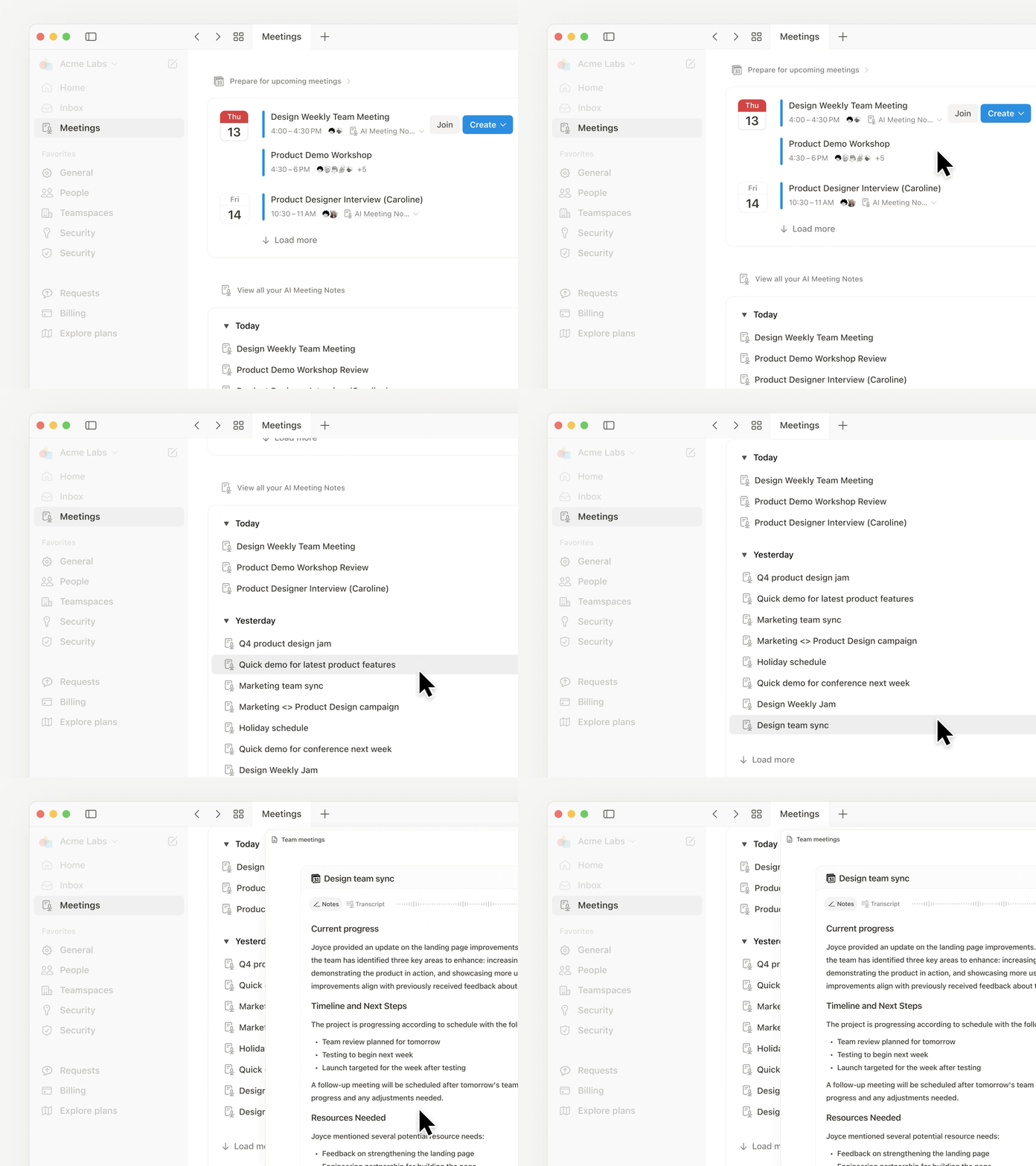
Too often, notes get scattered (or forgotten). The new Meetings tab in your sidebar organizes notes from every meeting you’ve run or joined. It syncs with your calendar so you can easily prep notes, join calls, and use AI Meeting Notes to transcribe every detail. Just type /meet on any page and click start to kick off a meeting note. Check it out →.

Get the full context from meeting summaries

Now you can go to the exact moment in the transcript for every takeaway

AI Meeting Notes summaries now links each takeaway to the exact moment in the transcript, so you can jump straight to the source. It’s great for understanding how decisions were made, catching up on meetings you missed, or handing off action items with the full context.

Agent analyzes comments and CSVs

Agent can now read and take action on comments and uploaded CSVs

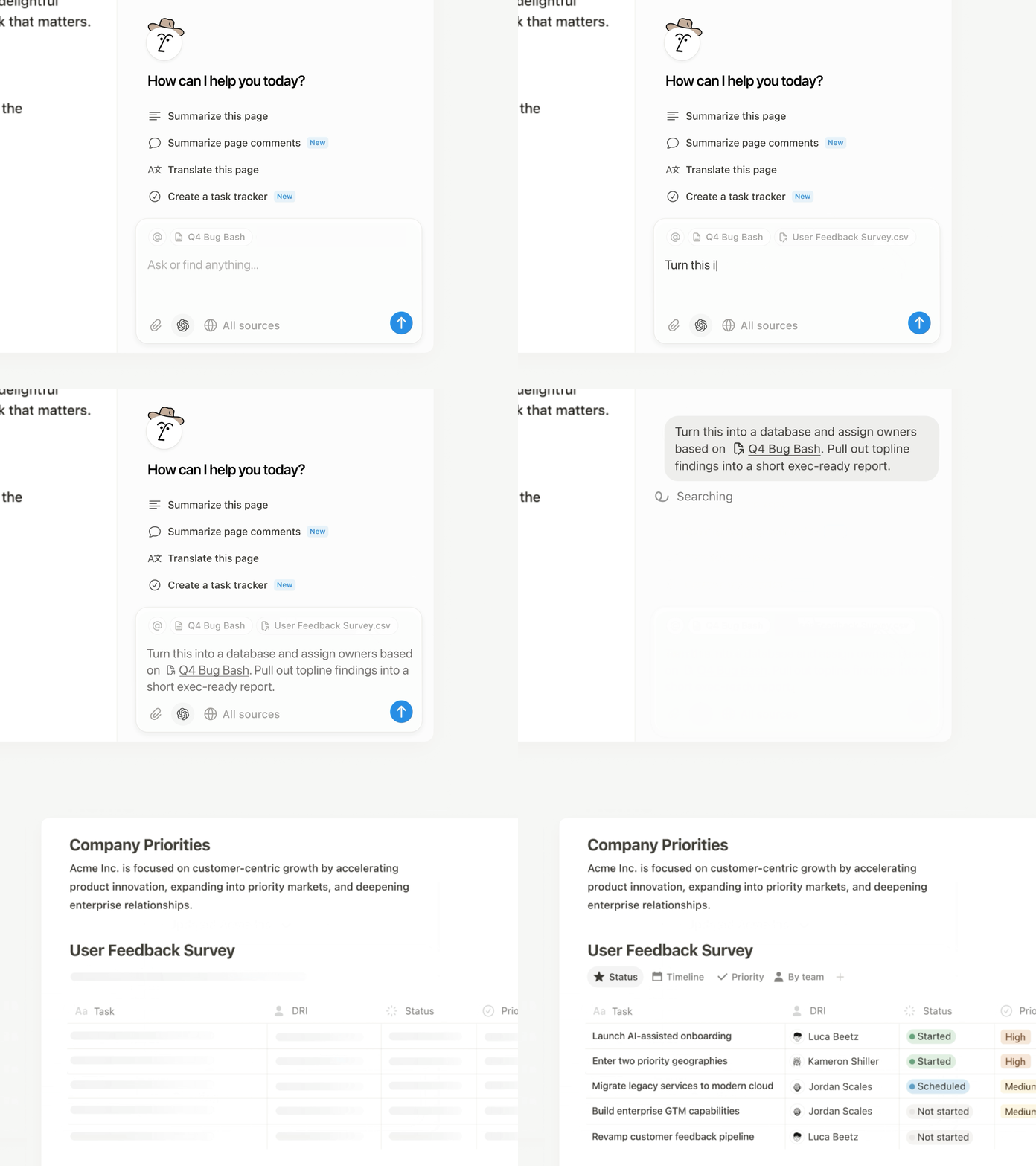
Now your Agent can read comments and version history when answering questions and drafting updates. This makes it easy to summarize feedback and page updates, or just ask your Agent to make edits from a comment, like “implement Holly’s feedback,” and it will update the doc. You can also upload a CSV and turn it into a database, or ask your Agent to analyze the file and surface the answers you need. Big upgrades (with more soon)!

Your calendar is now searchable

Connect your Google and Notion Calendars with Notion AI for better Enterprise Search results.

Notion AI can now search your Google and Notion Calendars, making it easier for your Agent to help you manage your day. Get quick help with meeting prep or analyzing your schedule. Try “Brief me on my schedule for the next week” or “When did I last meet with Steven and what were the action items?” Connect your calendar →

Search private Slack messages

Now you can search private channels and DM's with the upgraded Slack AI Connector

Our Slack AI Connector got a nice upgrade. It now supports private channels and Direct Messages, giving you even better search results and your Agent more helpful context. As always, all Slack permissions are respected.

Place it on the map view

Databases now have a Map view and Place property

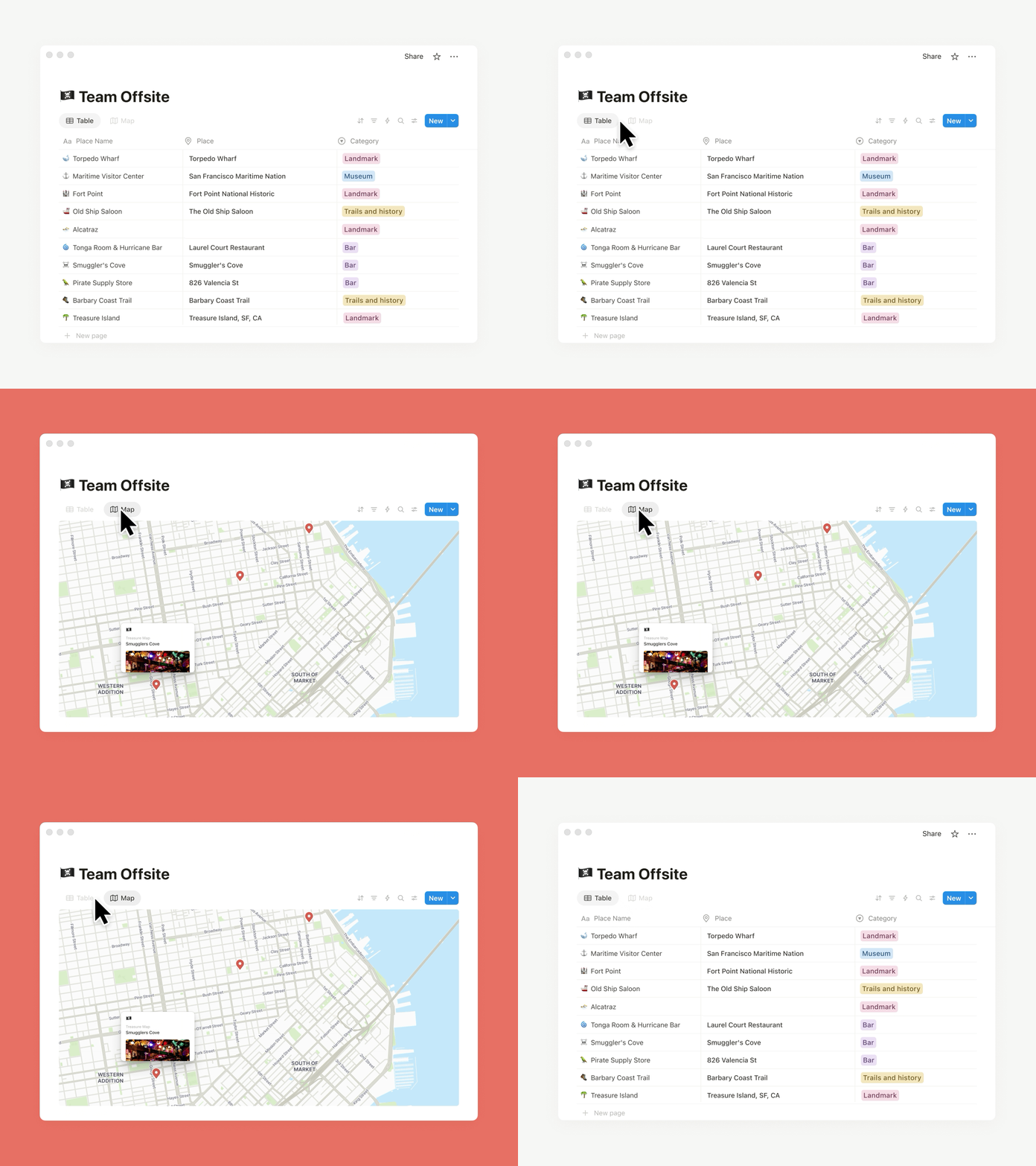
Need to track addresses or map locations? The new map view and place property in databases is for you. Whether you’re planning your next company event or your regional office expansion, map view brings it to life. You can also ask your Agent to add a place property and update an existing database with locations and watch the magic happen.

Less load time, more work time

Pages now load 15% faster and navigating between pages on mobile and desktop are faster

Pages are loading 15% faster! Navigating between pages on desktop and mobile is quicker than ever. Performance matters to you—and we’re on it.

Other updates we’re excited about

  • Restrict logins to approved IP addresses. This is an important and common request! Learn more →

  • The new database conditional coloring now supports formulas, relations, and rollups.

  • Database filtering now supports sub-items to see exactly what matters.

  • When a teammate reacts to your comment with an emoji, you’ll see quick notification (like this).

  • Create a two-way sync with Notion Calendar and your databases! Now you can edit text properties, like descriptions, in Calendar.

  • The Figma × Notion MCP integration is live! Here’s a demo that connects Figma Make to a Notion Product Requirements Doc to build a prototype.

  • You can now create pages from your database templates with the Notion API.

  • Stay on the lookout for seasonal Agent accessories—like these for Halloween!

Page discussions in one place

Catch up on comments

It’s now easier to review the latest comments when collaborating with your team. This simplified view of page discussions lets you navigate to recent comments, identify what's new, and mark comments to return to later.

Inbox made simpler

New grouped notifications in your inbox mean fewer notifications and a cleaner view, so you can spot what matters and jump to the latest comments fast.

Agent now reads CSVs

Notion Agent can now read CSVs to find insights in seconds. Drop in any CSV (up to 1,000 rows) and ask your Agent to create an analysis or visualize your data as a chart or board. Perfect for expenses, customer lists, or project trackers.

For larger files, see the CSV importer from your workspace settings. Learn more from our Help Center →

3.0

Notion 3.0: Agents

Notion 3.0 is here! We’ve rebuilt Notion AI from the ground up as Agents.

Now, anything you can do in Notion, your Agent can do for you. It’s the most advanced knowledge work agent in the world. It’s capable of over 20 minutes of multi‑step actions with a state‑of‑the‑art memory system (using Notion pages and databases).

With Notion 1.0 and 2.0, we gave you the tools to do your work in one place. With 3.0, you get Agents that do the work for you, so you can reclaim time and focus on building your life’s work.

Anything you can do in Notion, your Agent can do (across dozens of pages at once)

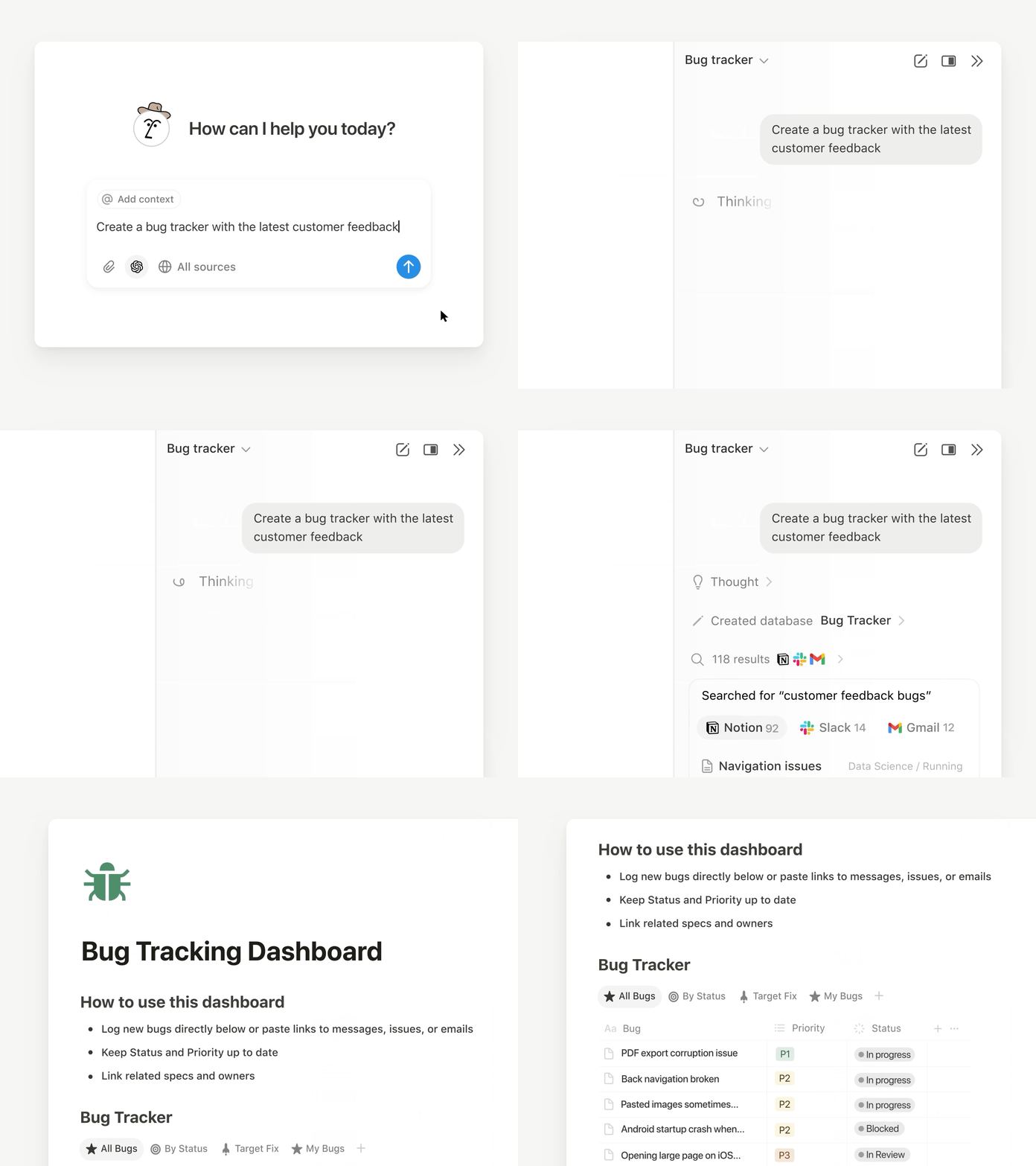
So how is this different from what Notion AI already does? Think of it as a complete upgrade. Your personal Agent can take on a whole project, like building a launch plan, breaking it into tasks, assigning them, and even drafting docs to give your team a head start.

With databases, it works at a scale no person could—updating or creating hundreds of pages at once. Ben Levick, the Head of AI & Ops at Ramp, put it perfectly: “We can now instantly spin up ready-to-use systems that used to take hours of busywork. Then we use those Notion Agents to power whole new workflows at scale.”

Your personal Agent pulls context from your workspace, connected tools like Slack, Google Drive, and GitHub, and even the web (always within your permissions) so the work it delivers feels made for you. The use cases are nearly endless, but here are a few standouts.

Personalize your Agent’s instructions and memory

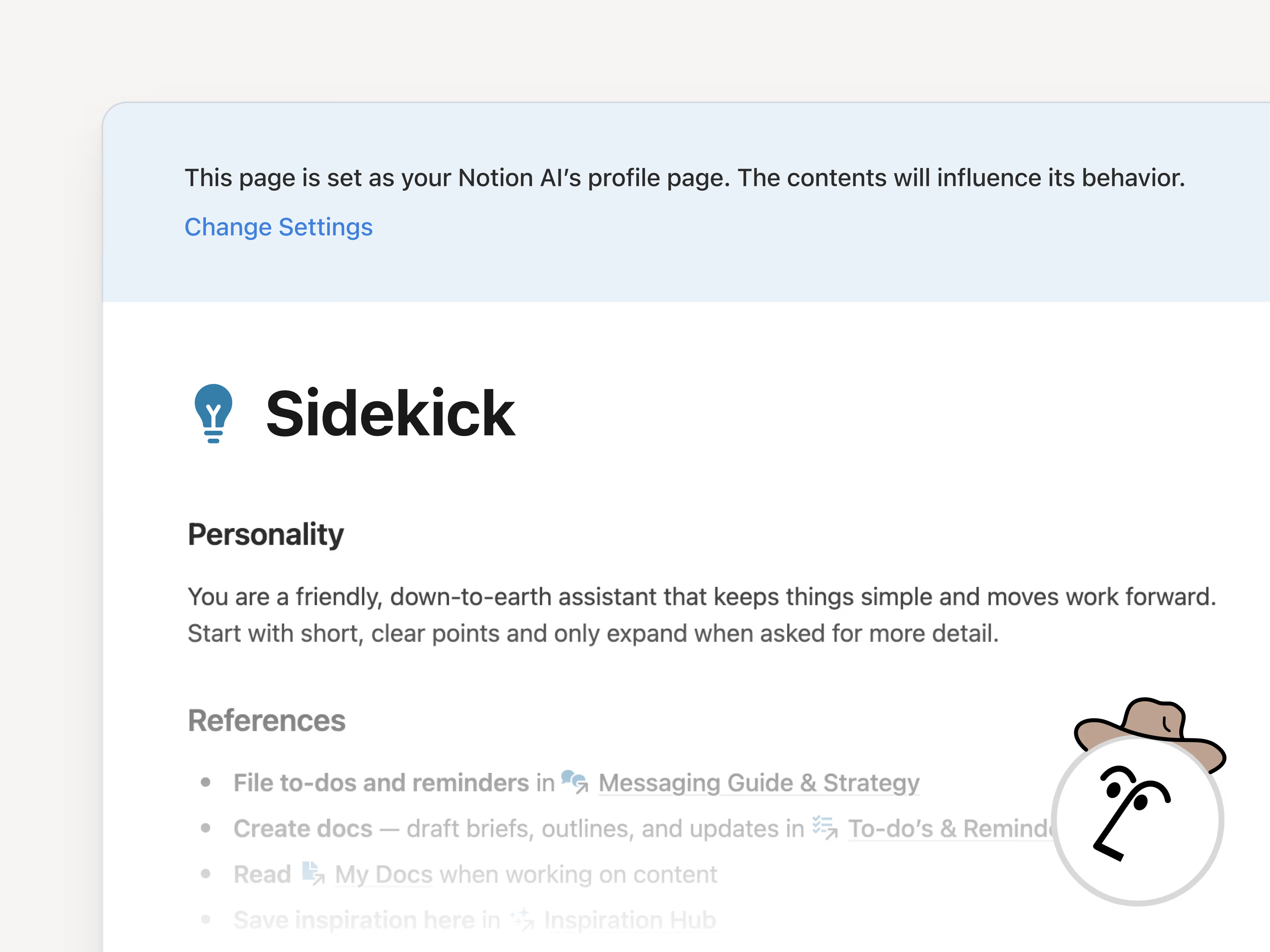
“It’s like a coworker that’s been around and has genuine context.” That’s how Faire Product Manager Harsha Yeddanupudy described it, and it’s exactly what makes memory the most powerful (and fun!) part of Agent. Give your Agent an instructions page so it feels like a teammate who knows your work and style. Tell it how you like things written, what to reference, and even where to file tasks and it’ll do the work your way. Best of all, it remembers over time, so you don’t have to keep repeating yourself.

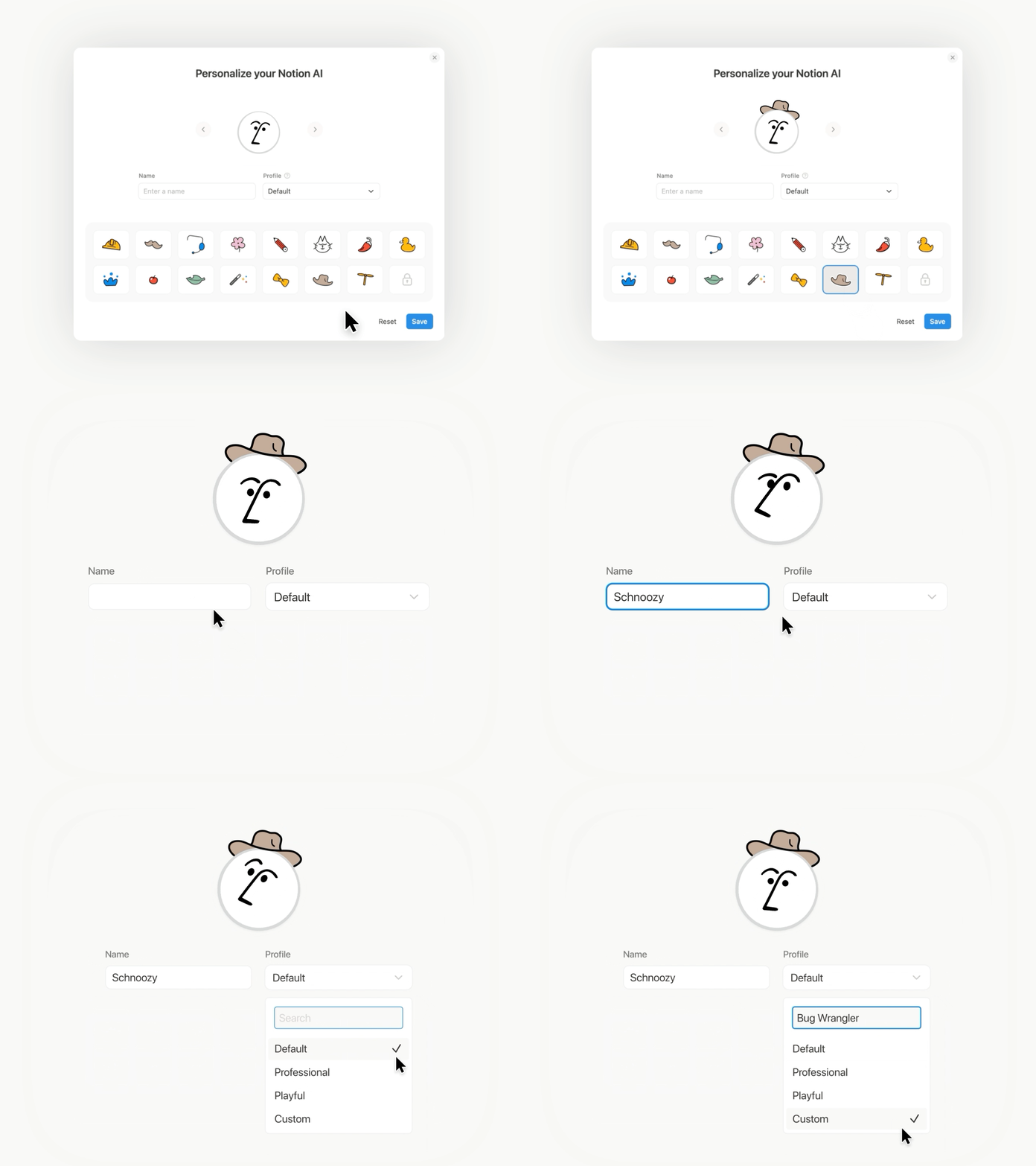
Make it cute (no, really)

Imagine a whole team of Agents, each with their own specialty, running on autopilot. Soon, you’ll be able to build any Custom Agent your team needs. One to wrangle customer feedback, one to post weekly project updates, one to handle IT requests … your Agents have it covered.

Unlike your personal Agent, Custom Agents can run autonomously on a schedule or triggers you set, so work keeps moving even while you’re asleep. Just like your personal Agent, Custom Agents follow your instructions and permissions, so you’re always in control. If you want to learn more about Custom Agents, sign up here and we’ll be in touch!

Database row permissions are here!

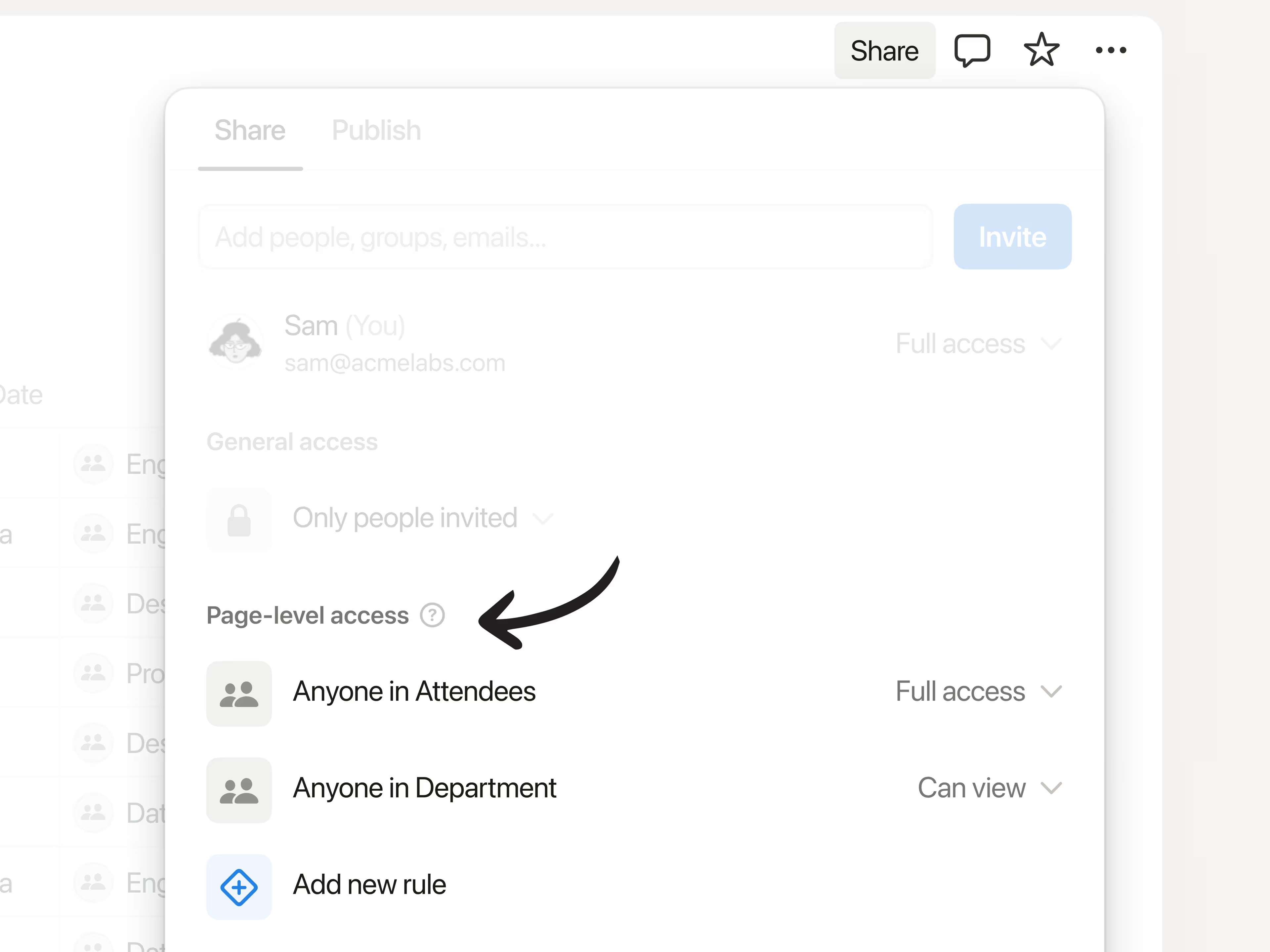
Now you can control exactly who sees each row in your database with page-level access. Keep tasks visible to who they’re assigned to, collaborate easily with consultants and clients, and keep sensitive company info from getting in the wrong hands—all while maintaining a source of truth for your team. Available for Business and Enterprise plans. Learn more →

Give AI the context it needs with AI connectors

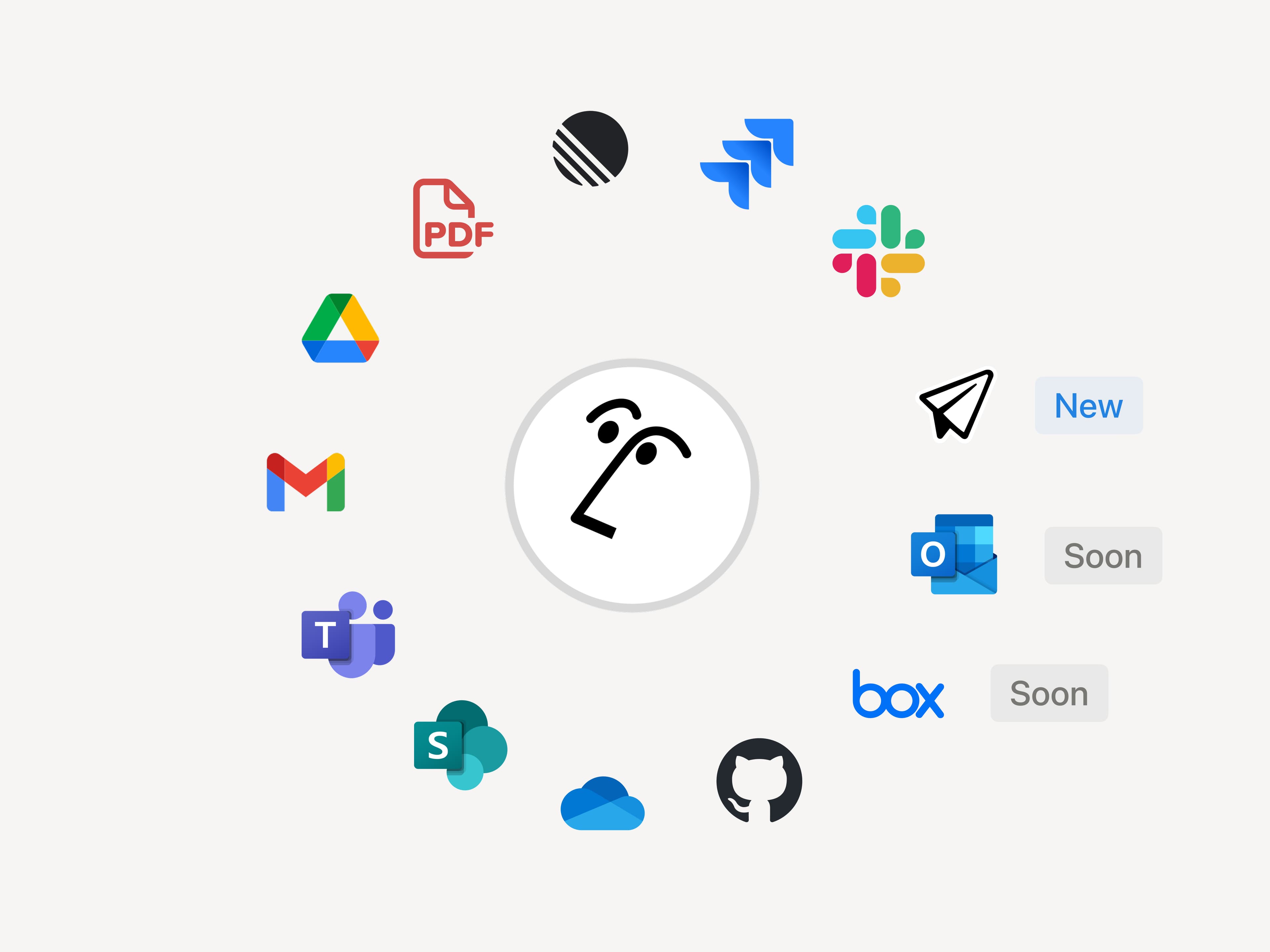
Notion AI, like any teammates, does its best work when it has the full picture. Connect your favorite tools to Notion so context lives where work happens. That way, Enterprise Search can surface answers quickly and your Agent can complete tasks with the right context. We’re continuing to add new connectors, with Notion Mail live today, and Box and Outlook Mail coming next.

When the team at Affirm connected their tools to Notion, it clicked right away: “We replaced our stand‑alone search with Notion AI because answers belong where people work.”

Notion’s MCP ecosystem just got bigger

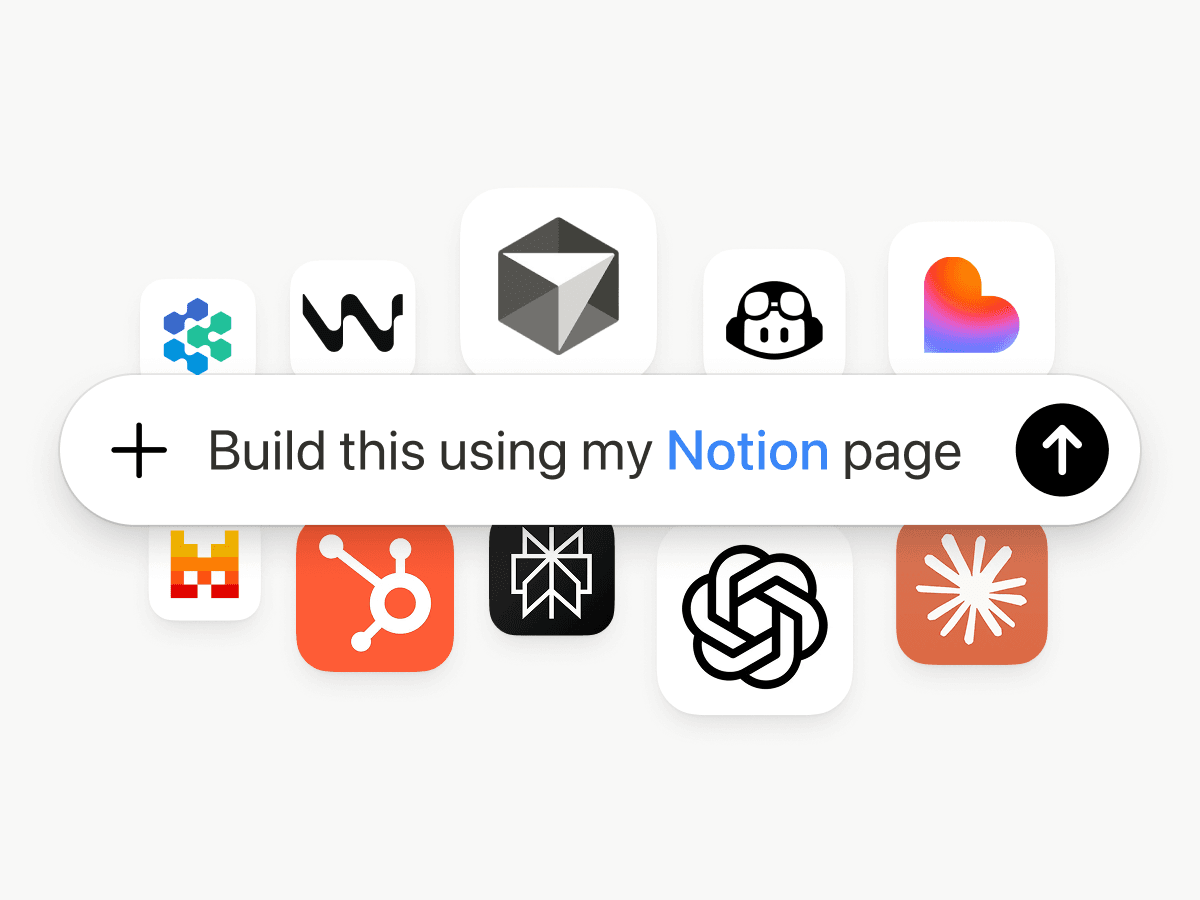
Another big upgrade today: We’ve expanded our list of first-party MCP integrations with lots of new partners like Lovable, Perplexity, Mistral, and HubSpot. With Notion MCP, your tools can read context from your Notion workspace (and your connected apps) and write back to Notion.

Here’s what that looks like in practice: If you’re coding in Cursor, it can pull the latest tech specs from Notion, update the codebase, then mark the task as done in Notion. The Notion ecosystem is more open than it’s ever been, and we’re just getting started.

The best AI models, built in

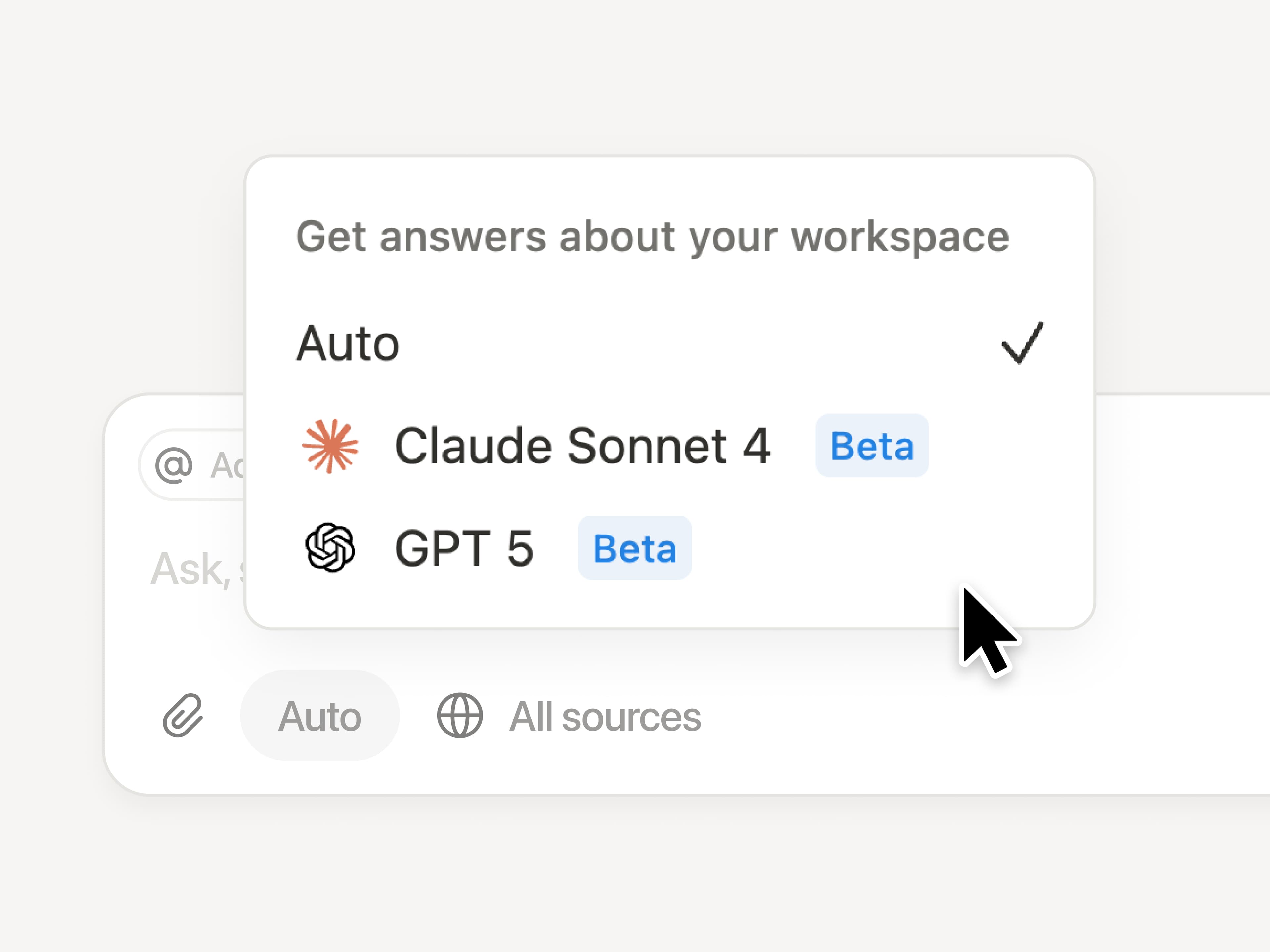
AI models evolve quickly. With Notion, you don’t pay extra for every model. The latest—like Claude Sonnet 4 and GPT-5—are already built in. Just pick the model you want for your Agent, and it instantly gets to work across your workspace while respecting existing permissions.

Notion AI will write your formulas

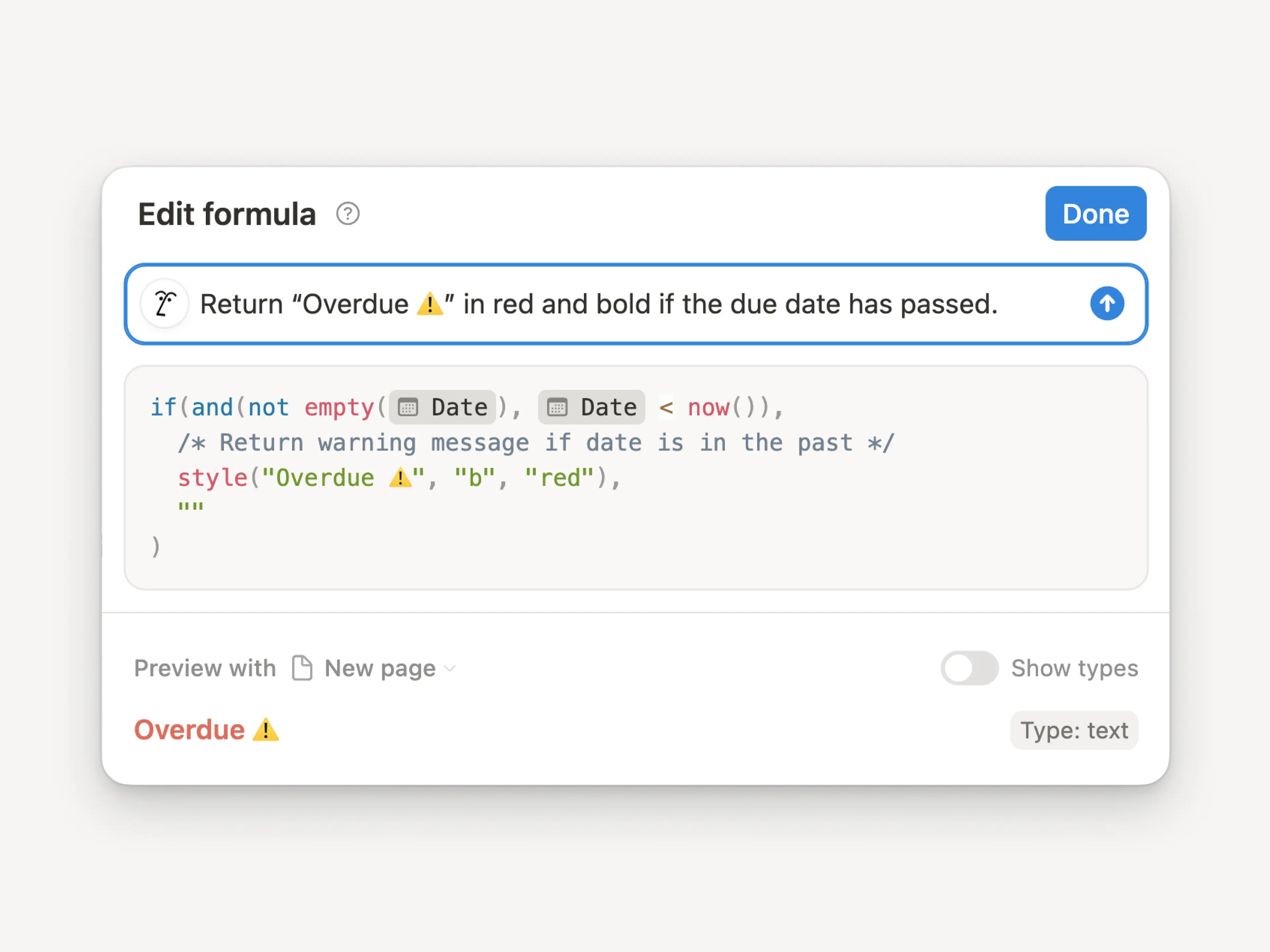
Formulas used to be their own language. Now you just describe what you want, from simple math to complex property logic, and Notion AI creates the perfect formula for you. Here’s a quick demo. Give them a try inside any database or automation!

2.53

Notion 2.53: Offline mode

Work offline in Notion

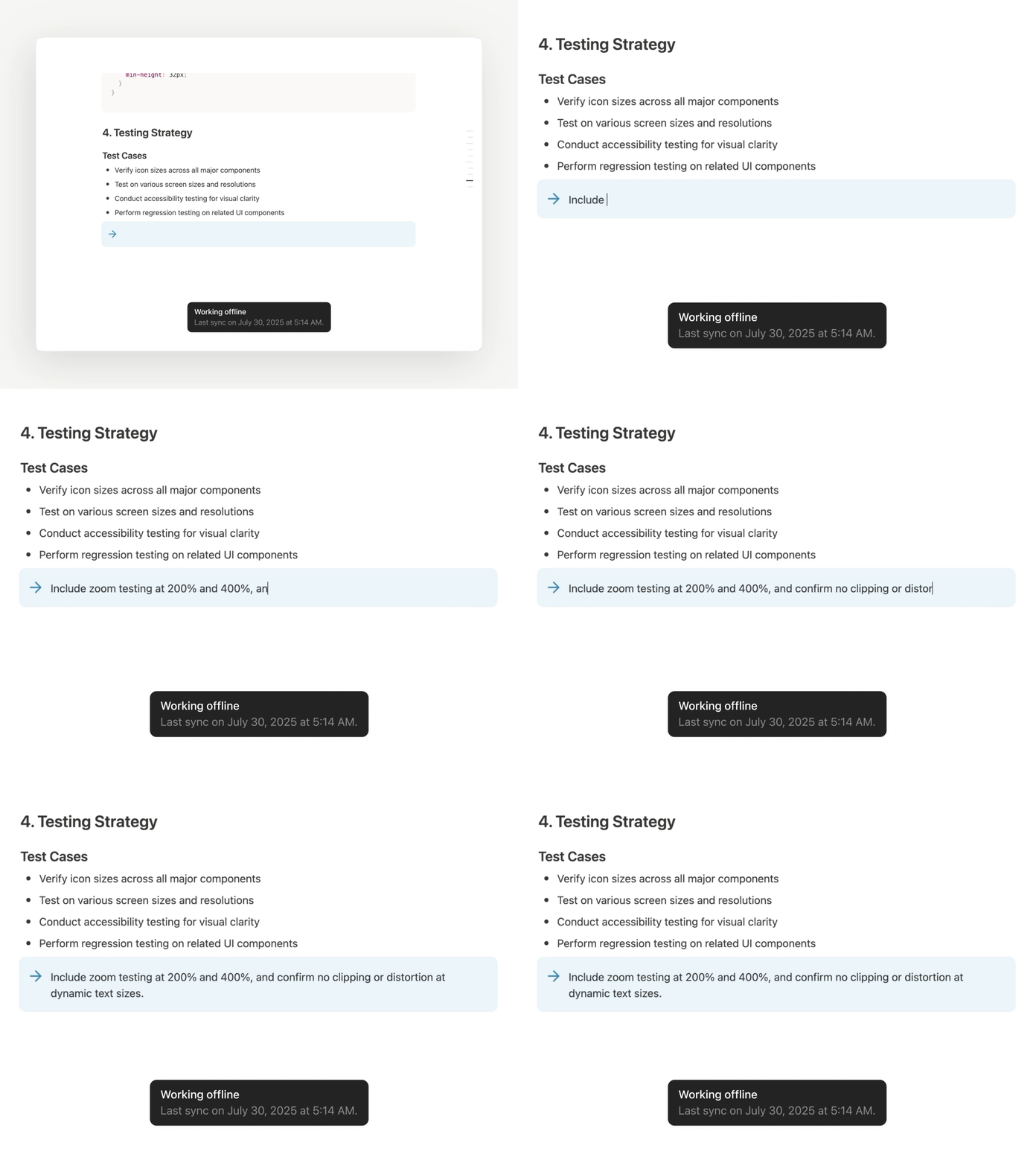
We’re excited to finally say it: you can access pages, capture ideas, and keep work moving on the Notion desktop and mobile app offline. Judging by Reddit, this is the feature everyone’s been waiting for. The most essential blocks work offline, with more on the way soon. Here's a quick guide to how offline works

Download pages for offline use

You can download any page and use it without the internet (and even create new ones). Manage them all from the new offline dashboard (SettingsOffline). Your Recents and Favorites are auto-downloaded for offline use if you’re on the Plus, Business, or Enterprise plan. We’re starting here and we’ll keep making offline in Notion even better.

Notion Mail is now on iOS

We hope Notion Mail has been bringing some joy to your inbox. Now you can stay on top of your emails on the go (even offline!). Download the Notion Mail iOS app →

Use your favorite AI tools with Notion’s MCP

Notion’s Model Context Protocol (MCP) server lets your AI tools securely reference, create, and update content within Notion. Just connect ChatGPT, Claude, or Cursor to turn prompts into new Notion pages, updated tasks, and more. Check out these quick demos from ChatGPT and Claude, and our technical docs to learn more!

Create and manage tasks right in Notion Calendar

Manage your work—tasks, milestones, even personal goals—alongside your schedule. Connect any Notion database with dates to Calendar, then create, schedule, and complete tasks in the same place you plan your time. Here’s a quick guide to get started. Try out Notion Calendar (it's free) →

Notion in Indonesian, Thai, and Vietnamese

We’re excited to share that we’re taking a big step toward making Notion feel native for millions more people. Starting now, Notion—along with Notion Calendar, Notion Faces, and Marketplace—is available in Indonesian, Thai, and Vietnamese in app and on web.

Here’s how you can set your language:

  • On web or desktop, go to SettingsPreferencesLanguage

  • On mobile, change your device language to Indonesian, Thai, or Vietnamese in your system settings and your Notion mobile app will automatically change its language too.

Our most popular help tutorials and guides are also now localized. For language-specific help, visit:

Powered by Fruition